
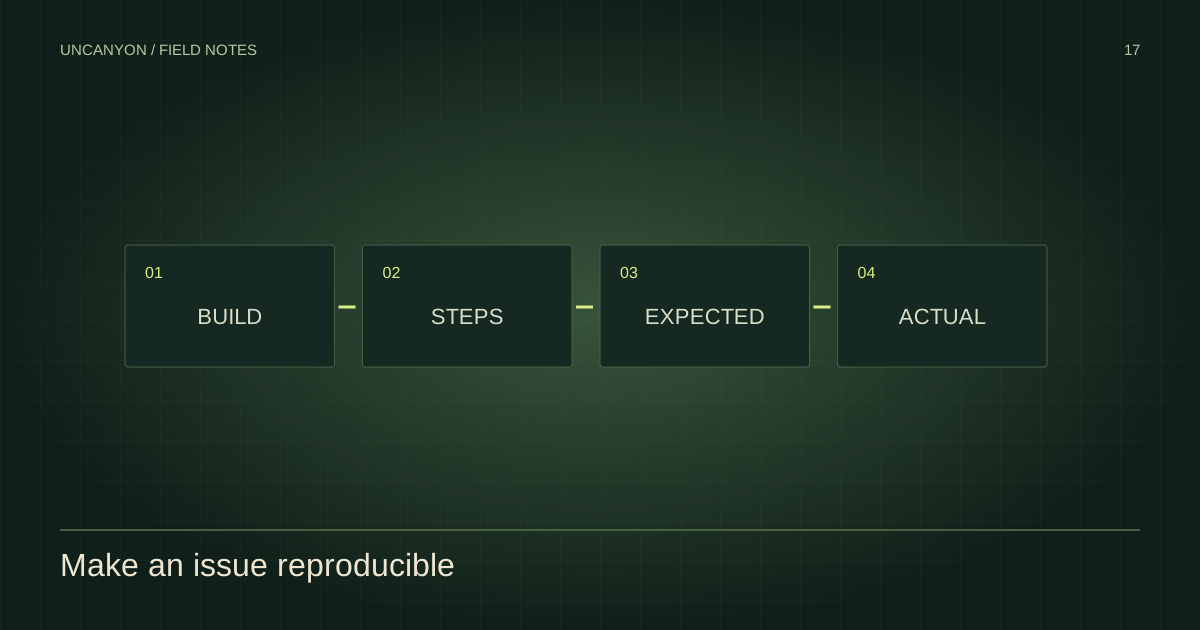
A good report compares expected and actual behavior and records a build and reproduction steps.
Match advice to a real version
There is no verified retail troubleshooting database in this guide. Launch crashes, save recovery and performance fixes need a real build, a platform and enough evidence to reproduce the issue. Generic advice copied from another game may not apply.
Before acting on a future fix, check its platform, version, symptom and last review date. A confirmed solution should also explain whether it affects saves or settings.
What you can check safely now
For purchase and compatibility questions, start with announced platforms and official requirements status. A supported platform does not establish support for every controller, handheld PC or compatibility layer.
If a video fails here, use its original YouTube watch link. Browser privacy settings, extensions, network restrictions or the uploader’s embedding policy can affect a third-party player independently of the game.
Write a useful issue report
Record the platform, exact build number, location, objective, steps before the problem and what actually happened. For a PC issue, include CPU, GPU, memory and relevant settings. Keep personal account data and license keys out of a public report.
For missing or incorrect information on this website, the correction page creates a local report you can share with the site maintainer. It does not submit game support tickets.
Sources & verification
Article reviewed October 30, 2026. Source checks are dated individually below.
- Graceful Decay — Uncanyon Official developer · Checked 2026-10-30
- Annapurna Interactive — Uncanyon Official publisher · Checked 2026-10-30