
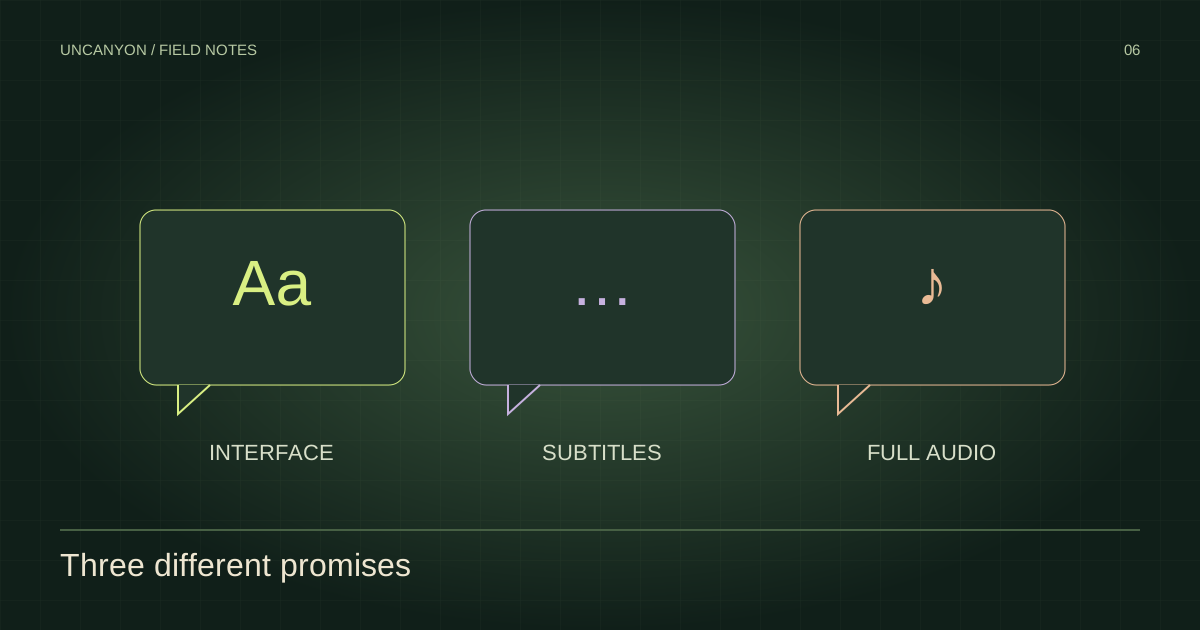
Menus, subtitle support and voice acting are separate language-support categories.
Read the game’s language table
The Steam English listing includes a supported-language table. Interface, subtitles and full audio are distinct support categories; a language appearing in one category should not be treated as proof of support in every category.
English appears in the store’s language information. For the complete current table and its audio markers, use the original Steam listing. Console storefronts should be checked independently before buying a regional version.
Trailer captions are a separate feature
YouTube captions belong to that particular video upload. They do not establish the languages included in the finished game. Auto-generated English captions are also different from edited subtitles supplied by the publisher.
Our video players request an English interface. Use the player’s caption menu to choose among the tracks currently available. The original watch link remains available if embedded playback or captions do not work in your browser.
Before choosing a regional edition
Check the store region, the game version and whether you need menus, written dialogue, subtitles or spoken dialogue in a particular language. Language options and downloadable packs can vary by platform. We will only document in-game menu steps after those menus can be verified in a released build.
All editorial content in this field guide is in English. Visit the FAQ for other game questions.
Sources & verification
Article reviewed October 30, 2026. Source checks are dated individually below.
- Uncanyon on Steam Official store · archived snapshot · Checked 2026-10-29
- Steam AppDetails — English listing Official store data · archived snapshot · Checked 2026-10-29